
Canceling or Modifying Trips
Whether you're a traveler or a company user, we understand that plans can change. This document will walk you through the steps to cancel a trip and the additional options available for company users.
How to Cancel a Trip
Both travelers and company users can cancel trips. To initiate a cancellation, simply navigate to the Trip Details page, where you will find the cancellation button.
Additional Options for Company Users
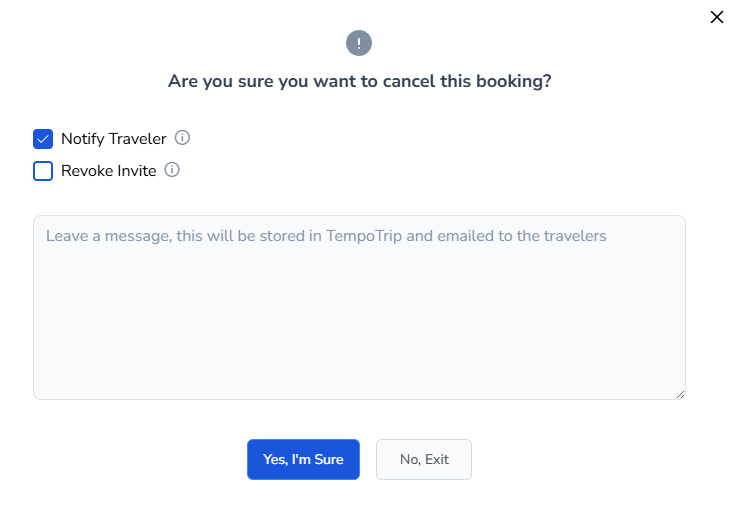
Company users have additional capabilities for managing trip cancellations. Here are the options available:
Notify the Traveler: You can send a notification directly to the traveler through Tempotrip. This will trigger an automated email to inform them of the cancellation.
Revoke Invitation: If necessary, you can revoke the traveler's invitation. This action will prevent them from booking again using the same booking link.
How to Modify a Trip
Trip modifications (exchange a plane ticket), must be completed by the agency