
Trips Dashboard & Oversight
This article provides an overview of the Trips feature available to Company Users at TempoTrip. It outlines how to view, filter, and export traveler trip information effectively.
Overview of Trips
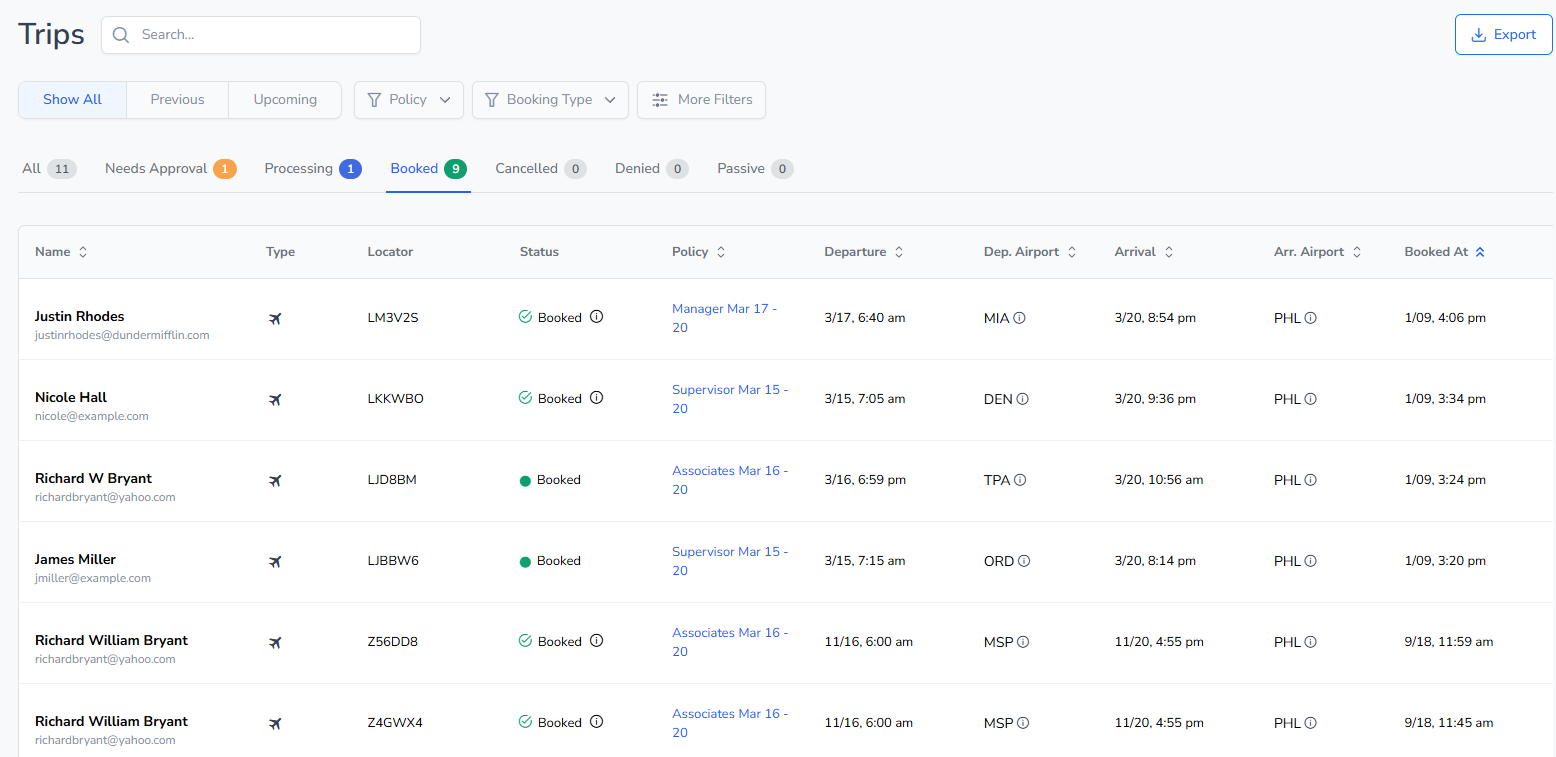
The Trips feature allows Company Users to access comprehensive information regarding all traveler trips within the organization. This includes details about the traveler user, trip status, event name, and travel specifics.
Filtering Options
Users can use various filters to streamline their trip search. The available filters include:
Upcoming Trips
Previous Trips
All Trips
Additionally, users can refine their search by:
Events
Trip Status
Advanced Filters, including Trip Start Date, Trip End Date, and Booked Date
For a more specific search, users can also input text in the Search box to locate particular traveler trips.
Exporting Trip Data
Users can export traveler trip data in CSV format. This export provides more detailed information than the Trips dashboard view.
Accessing Trip Details
To view the details of a specific traveler trip, click anywhere in the row of the trip entry (excluding the blue Policy link). This will provide you with comprehensive information regarding that particular trip.
Additional Features
Users can also sort, filter, and export trip data directly from the Trips interface. For further details, click on the Trips link.