
Setting up Approvers
Whether you're a company admin or a traveler, understanding how this system works will help streamline your travel experience.
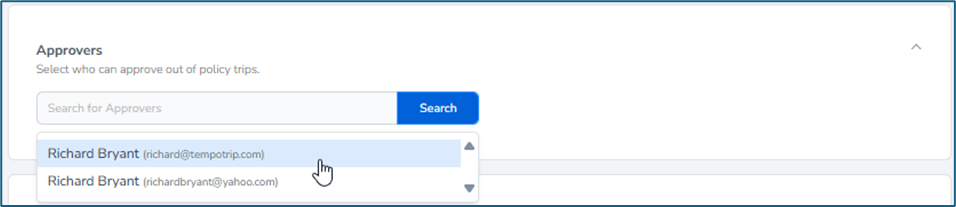
Choosing Your Approvers
When setting up trip approvals, you have the flexibility to select between one to five approvers. These approvers can either be from your company or an agency. Once you have made your selections, any trips requiring approval will be emailed to all listed approvers immediately.
How Approvers Review Trips
Each approver will receive an email notification with a link to the traveler's trip details. From there, they can easily choose to approve or deny the request based on the information provided.
Adding Approvers
Before you can select approvers for your travel policy, add them to the People section as Company Admins, Company Owner, or Travel Arranger role. This step ensures they are recognized in the system and can be selected as approvers for future trips.
By following these guidelines, you can ensure a smooth approval process for all your travel needs. Happy travels!